 When my daughter was a baby, I always had trouble with the light when I would get her in the middle of the night. Turning the overhead light on was far too bright. All the outlets were behind furniture, so a nightlight was out. There wasn't an outlet by the door, so I'd end up fumbling across the room in the dark to turn on the lamp, and even it seemed to bright in the dead of the night.
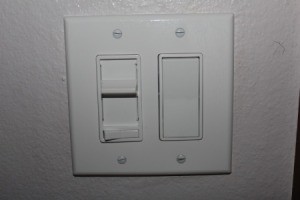
Our solution was to install a dimmer switch. This allowed me to turn on just the right amount of light to get her out of bed, without blinding us both.
We now have dimmers in all the kids rooms. My youngest uses the overhead on the lowest dimmer setting as a night light, since there isn't a good outlet in his room, and when we did have a nightlight, it always seemed to get left on all day. My husband and I also installed a dimmer in our room. It's great for when my husband wakes up at 5 am. He can turn on just enough light to find his way around without waking me up.
By Stephanie from Hillsboro, OR
This page contains the following solutions.
Installing a dimmer switch is a quick and easy way to add more control over the lighting in a room.
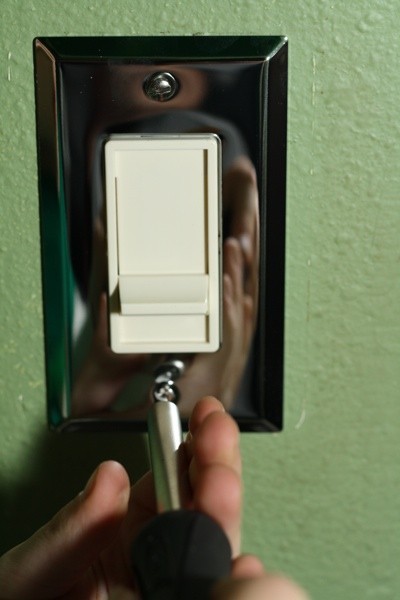
To save money and help save the environment, install a dimmer switch. Installing a dimmer switch can save energy and extend bulb life. Plus, it's as easy as replacing a light switch. By Kathy
Here are the questions asked by community members. Read on to see the answers provided by the ThriftyFun community.
I installed a dimmer switch to control my overhead ceiling lights, but I did not anticipate that the wall outlets would be controlled by the dimmer switch too. Is there a simple way to separate them so the wall outlet receives the full volume of electrical output while the ceiling lights are dimmed?