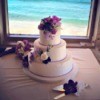
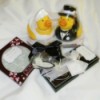
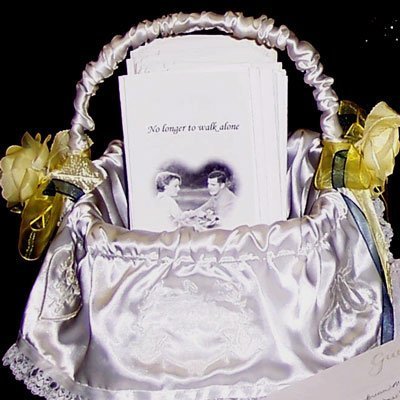
My mother in-law for my daughter's wedding. The wedding programs that you see sitting in the basket were designed by my son in-law on his computer. We then went to Staples and bought some good quality paper and ran them off ourselves at a family member's real estate college. There was no cost whatsoever for the printing and the paper was not expensive. The total cost of the programs was less than $50 for 600 programs.
By Robin
Add your voice! Click below to comment. ThriftyFun is powered by your wisdom!
Good Idea! I know alot of people who go to Staples and save a ton. We'll definately go this route!
I don't think using a college's photocoping machine as thrifty; having it done at Staples and paying for it would be considered thrifty.
Last Saturday, at my daughter's wedding we used a nice wicker basket for the cards at the guest table along with an arrangement of gladiolas in the same color as the bridesmaids' dresses.
Kristin, my daughter, opted for no bulletins at the wedding as the MC later introduced everyone. Others had told us that bulletins were not necessary and actually would be something we would have to later clean up off the lawn as the wedding was to take place in our yard.
We bought our wedding invitation blank forms at Staples also. We printed the invitations at a friend's shop on her Zerox printer and the response cards on my daughter's computer here at home.
As a current college student I can say using the copiers at the college, is very thrifty, I get $15.00 to use every semester. Most of the time I use about $3.00 and at 7 cents for a double sided copy, thrifty.
Add your voice! Click below to comment. ThriftyFun is powered by your wisdom!