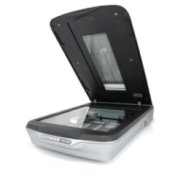
 I recently made photo DVDs for my sisters-in-law of my nieces and nephews from their baby-thru-current years. Most of the photos were not digital and in compiling them, I found several hundred that I had to scan. Instead of doing one at a time, I fit as many of them as I could on my scan screen, thereby cutting a tremendous amount of time off of the scanning process, and ultimately transferred them to my computer.
Once there, I made multiple copies of the of the photos per scan, one for each of them, and edited out the other photos. Thus, ending up with one photo each. Editing the multiple copies was a lot easier for me than standing up at my scanner for hours on end!
By FroggyJ1 from Florence, SC
This page contains the following solutions.
Digital cameras can get info out of dark shadows so underexpose them. Take then into Photoshop Elements and bring out the hidden details.